Código e Automação
15 de dez. de 2025
Go back
Automating email extraction with Python: from local scripts to Apify
Autor: Rafael Lins
Leitura estimada: 1 min
Learn how to automate email extraction with Python and discover the scalable Apify-based version, with automatic CSV export and cloud execution.

Introduction
Automating email extraction is a recurring need in outreach, lead generation, institutional research, and data intelligence projects — especially when working with NGOs, associations, companies, and public initiatives.
This article originated from a Python script designed to extract email addresses from public sources such as Google Maps and institutional websites. Over time, the project evolved — both technically and strategically — into a scalable, no-code, production-ready tool, published as an Apify Actor.
In this post, you will learn:
How automated email extraction works using Python
The limitations of local scripts
How to turn a script into a scalable product
When to use custom code versus a ready-made solution
Important note about this article’s scope
⚠️ About the post slug
The slug of this article references Google Maps because the original version of the project focused on demonstrating automated email extraction from publicly available data found on platforms such as Google Maps.
As the project evolved, the same technical foundation was expanded to support a broader and more robust use case: extracting emails directly from institutional websites, NGOs, companies, and public portals, now available as an Actor on Apify.
The current focus is email extraction from websites and their internal pages, while preserving the historical context of the initial development.
The problem with manual email collection
In many projects, email collection is still done manually:
Copying and pasting emails from “Contact” pages
Navigating dozens of internal links
Manually consolidating data into spreadsheets
Dealing with duplicates and human error
This process:
Does not scale
Consumes operational time
Produces inconsistent datasets
Becomes unsustainable for recurring projects
Automation is no longer optional — it is infrastructure.
The initial approach: email extraction with Python
The first version of this project was developed as a local Python script, using classic web scraping techniques:
HTTP requests (requests)
HTML parsing (BeautifulSoup)
Regular expressions to detect email patterns
Data normalization and deduplication
Local CSV generation
This approach works very well for:
Technical learning
Proofs of concept (POCs)
One-off projects
Controlled environments
Platforms like Google Maps and institutional websites often expose public email addresses that can be legally collected for research and outreach purposes.
Limitations of local scripts
Despite their effectiveness, local scripts have clear limitations as projects grow:
Require a technical environment
Are not accessible to non-technical users
Lack a visual interface
Must be executed manually
Data export and organization are user-dependent
Do not scale well across teams or clients
These limitations motivated the next step in the project’s evolution.
The evolution: from Python script to Apify Actor
To solve scalability, usability, and distribution challenges, the project was transformed into an Apify Actor, preserving the core logic while adding a product layer.
What changes with Apify
Visual input interface for URLs
Cloud-based execution
Structured dataset output
Automatic CSV and JSON export
Built-in deduplication
No coding required
Pay-per-result usage model
👉 Production-ready version:
https://apify.com/nimble_promotion/ad-rock-email-extractor
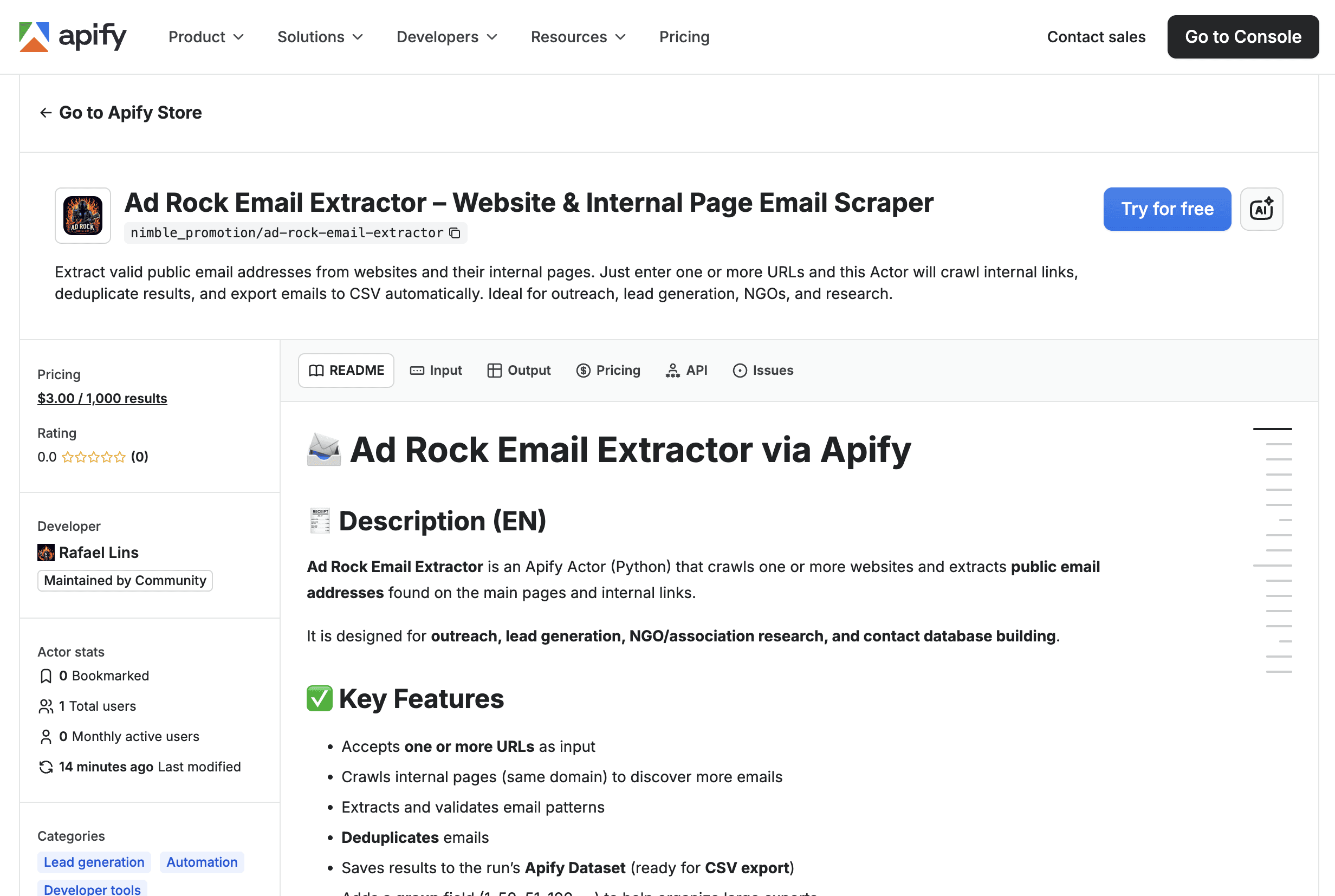
How the Ad Rock Email Extractor works on Apify
You provide one or more URLs
The Actor visits the main page
Internal links (same domain) are discovered
Each page is scanned for public email addresses
Results are deduplicated
All data is saved to a Dataset ready for export
Each dataset item follows this structure:
The group field helps organize large datasets during export.
When to use a local script vs an Apify Actor
Use a Python script when:
You are learning web scraping
You need full control over the code
Data volume is small
The project is experimental
Use the Apify Actor when:
You need scalability
You want automatic exports
Non-technical users are involved
The project includes outreach, NGOs, or research
You want to reduce operational overhead
This separation makes the project technically mature and commercially viable.
Common use cases
B2B outreach
NGO and association mapping
Academic research
Institutional contact databases
Market intelligence
Digital presence audits
Always using publicly available data only.
Final considerations
Automating email extraction is not just a technical decision — it is a strategic one.
What started as a Python script has evolved into a robust, scalable, production-ready solution.
If you need to move beyond custom code and gain speed, the Apify Actor is the natural next step.
Try it now:
👉 https://apify.com/nimble_promotion/ad-rock-email-extractor


Go back